
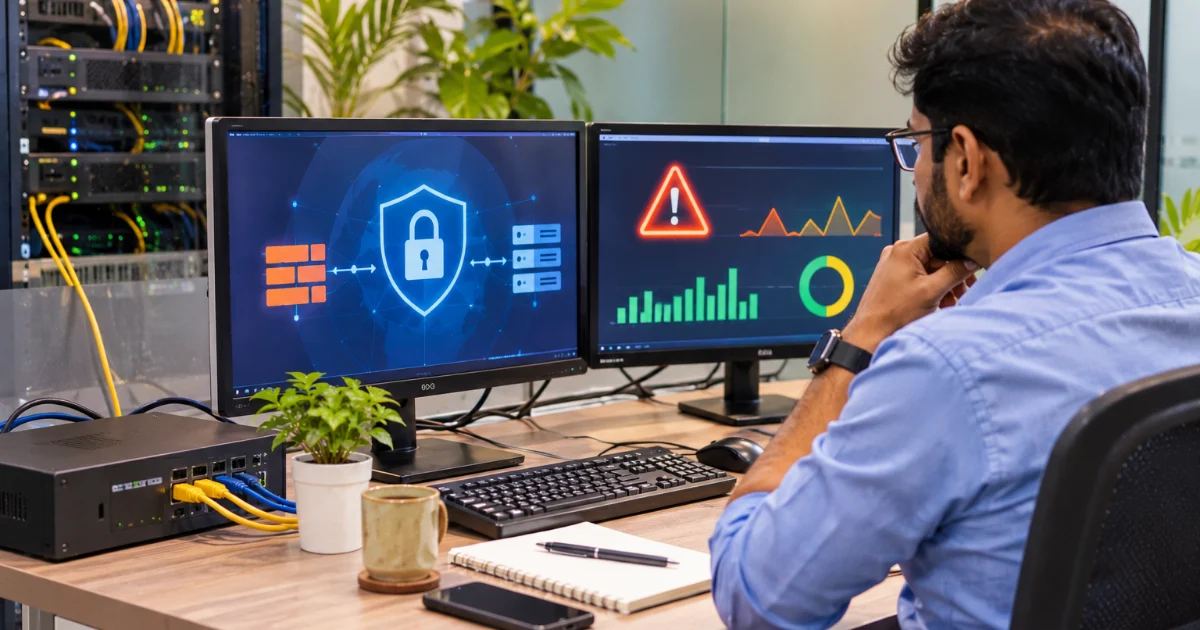
Most small offices connect every computer, printer, CCTV camera and phone to a single internet router supplied by the service provider. It works — until a compromised laptop spreads malware to every system, a guest on the Wi-Fi reaches the accounts computer, or a camera with a default password becomes an open door. Network security does not need a large IT department. A few well-chosen devices and settings protect most small businesses. This guide complements our cybersecurity checklist for small businesses with a focus on the network.
1. Use a proper firewall
A firewall controls what traffic can enter and leave your network. Basic routers include simple firewalls, but a business-grade firewall or unified threat management (UTM) device adds features such as intrusion prevention, web filtering and VPN.
- Block all incoming connections by default and open only what is needed.
- Change default admin passwords and restrict admin access.
- Keep firmware updated.
- Enable logging so that unusual activity can be reviewed.
2. Secure the Wi-Fi
- Use WPA2 or WPA3 encryption with a strong password.
- Create a separate guest network for visitors that cannot reach office systems.
- Change Wi-Fi passwords when staff leave.
- Disable WPS and unused features on access points.
3. Segment the network
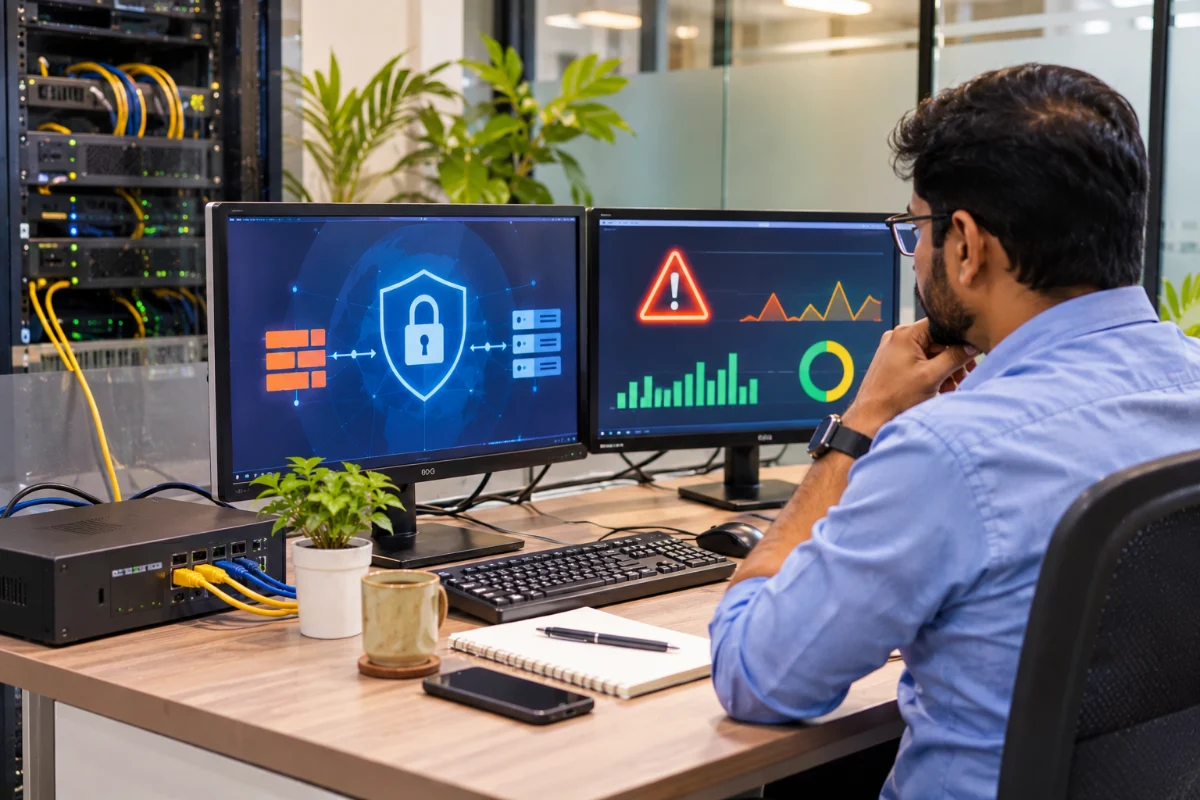
Put different kinds of devices on separate network segments (VLANs): staff computers, servers, CCTV and smart devices, and guests. If one segment is compromised, the attacker cannot easily reach the others. Cameras and IoT devices, which are often poorly secured, should never sit on the same network as accounts and file servers.
4. Safe remote access
Staff working from home or on the road should connect through a VPN or a secure remote-access service with multi-factor authentication. Never expose remote desktop or file-sharing ports directly to the internet — these are common targets for ransomware attacks. Moving files and email to secure cloud services also reduces the need for remote access to office systems; see our cloud migration guide.
5. Keep devices updated and protected
- Turn on automatic updates for operating systems and software.
- Use reputable endpoint protection on every computer.
- Remove unsupported old systems from the network or isolate them.
- Give staff standard user accounts; reserve admin rights for IT.
6. Back up and plan for incidents
Even good security can fail. Regular, tested backups — including an offline or immutable copy — are the last line of defence against ransomware. Our data backup and disaster recovery guide explains how to set this up. Keep a short incident plan: who to call, how to isolate affected systems and how to report incidents to the national CERT-In where required.
7. A simple monthly routine
- Review firewall alerts and blocked attempts.
- Check that updates and backups ran successfully.
- Review user accounts and remove those no longer needed.
- Remind staff about phishing and suspicious links.
Customer data stored in systems such as ATTPL CRM and employee data in ATTPL WorkforceOS depend on a secure network too. Data protection obligations under the DPDP Act are explained by ATTPL Legal.
8. Train people, not just devices
Most attacks begin with a person clicking a link, opening an attachment or sharing a password. Short, regular awareness sessions help staff recognise phishing emails, fake invoices and suspicious calls. Make it easy and safe for employees to report mistakes quickly — early reporting can stop an incident from spreading across the network.
- Run a short security briefing for every new employee.
- Share real examples of phishing attempts the office has received.
- Use multi-factor authentication for email and critical systems.
Frequently asked questions
Is the internet provider’s router enough for a small office?
It provides basic protection, but a business-grade firewall adds filtering, VPN, segmentation and logging that small offices increasingly need.
Why separate CCTV cameras from office computers?
Cameras and smart devices are often less secure. Keeping them on a separate network limits damage if they are compromised.
Do remote staff need a VPN?
Yes, or another secure remote-access method with multi-factor authentication, rather than exposing office systems directly to the internet.
Want your office network reviewed? Contact ATTPL IT.


Pingback: Mobile App UX Design Guide for Businesses | ATTPL IT